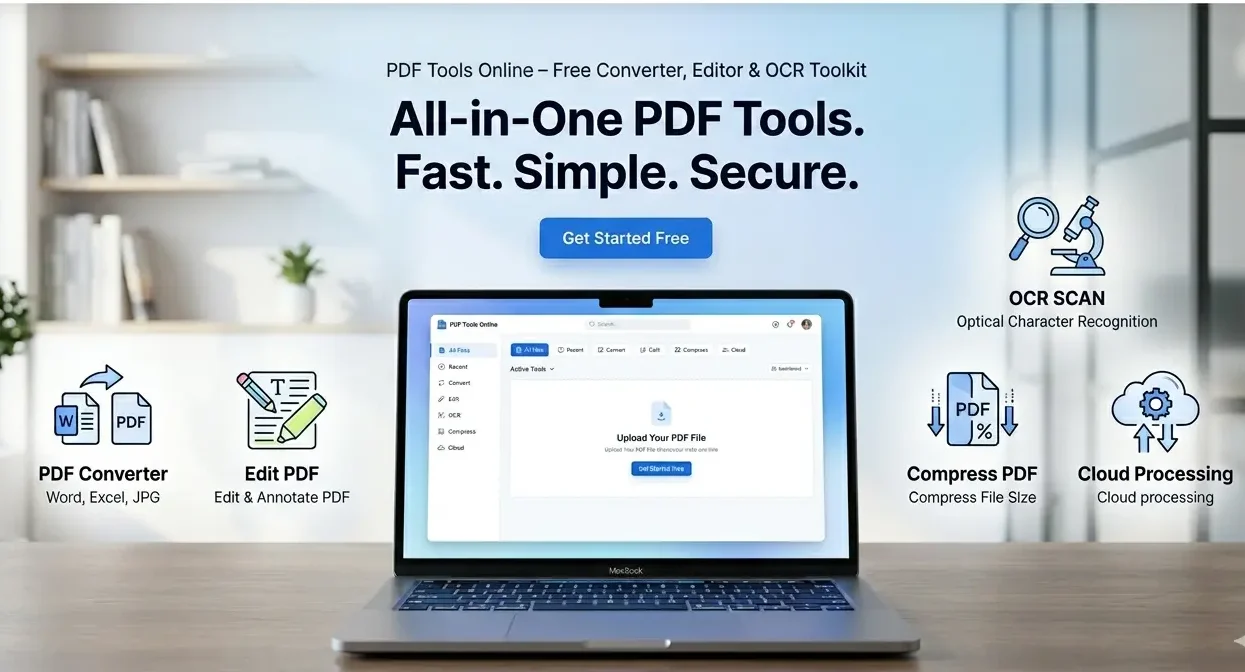
All-In-One PDF Tools Hub
Convert, Edit, Compress, Secure, OCR and Manage PDF files online using professional PDF tools.
PDF Converter
Convert PDF files to multiple formats.
PDF Editing
Merge, Split, Rotate and Edit PDFs.
OCR Tools
Extract text from images and PDFs.
PDF Utilities
Reader, Metadata, Analyzer and more.
PDF Conversion Tools
JPG to PDF
PNG to PDF
TXT to PDF
HTML to PDF
PDF Editing Tools
Merge PDF
Split PDF
Rotate PDF
Extract Pages
Add Watermark
Add Page Numbers
OCR Tools
Image to Text
PDF Utilities
PDF Reader
Metadata
Size Analyzer
Page Counter
QR Generator
PDF Preview
PDF Tools Hub is a browser-based online toolkit that helps users convert, edit, compress, and manage PDF files without installing any software. It works directly in your browser using modern JavaScript libraries like PDF-lib, PDF.js, and Tesseract OCR, making it fast, free, and easy to use for everyone.
This guide explains every tool in detail, how to use it step by step, and how it works in simple English so anyone from any country can understand.
🧩 What is PDF Tools Hub?
PDF Tools Hub is an online system where users can:
- Convert files (JPG, PNG, TXT, HTML → PDF)
- Edit PDFs (Merge, Split, Rotate, Extract pages)
- Read and analyze PDFs
- Extract text using OCR
- Generate QR codes for links
It runs completely in the browser, so no upload to server is required in most functions.
📌 How to Use PDF Tools Hub (Simple Steps)
- Open the website in your browser
- Choose a tool from categories
- Upload your file (PDF or image)
- Click the action button (Convert / Edit / Extract)
- Download your result instantly
🔄 PDF Conversion Tools (Detailed Guide)
1. JPG to PDF
What it does:
Converts images into a single PDF file.
How to use:
- Select JPG images
- Click “Create PDF”
- Download output PDF
Where it is useful:
- Certificates
- Notes images
- Scanned documents
2. PNG to PDF
What it does:
Turns PNG images into PDF format.
How to use:
- Upload PNG files
- Click convert
- Download PDF
3. TXT to PDF
What it does:
Converts plain text into a PDF file.
How to use:
- Write or paste text
- Click “Generate PDF”
- Download file
Useful for:
- Notes
- Articles
- Reports
4. HTML to PDF
What it does:
Converts HTML content into PDF format.
How to use:
- Paste HTML code
- Click generate
- Download PDF
✏️ PDF Editing Tools (Full Explanation)
1. Merge PDF
Purpose:
Combine multiple PDFs into one file.
Steps:
- Select multiple PDF files
- Click Merge
- Download merged file
2. Split PDF
Purpose:
Extract a single page from PDF.
Steps:
- Upload PDF
- Enter page number
- Click Extract
3. Rotate PDF
Purpose:
Rotate all pages by 90 degrees.
Steps:
- Upload file
- Click rotate
- Download rotated PDF
4. Extract Pages
Purpose:
Select specific pages like 1, 3, 5.
Steps:
- Upload PDF
- Enter page numbers
- Click extract
5. Add Watermark
Purpose:
Add text watermark to protect documents.
Steps:
- Upload PDF
- Enter watermark text
- Click add
6. Add Page Numbers
Purpose:
Automatically adds page numbers.
Steps:
- Upload PDF
- Click add numbers
- Download file
🔍 OCR TOOL (Image to Text)
What is OCR?
OCR (Optical Character Recognition) converts images into editable text.
How to use:
- Upload image (JPG/PNG)
- Click Extract Text
- Copy result
Where it is used:
- Books scanning
- Notes extraction
- Printed document conversion
📄 PDF UTILITIES
1. PDF Reader
Purpose:
Preview PDF inside browser.
How:
- Upload file
- Click open
- View in built-in viewer
2. Metadata Viewer
Purpose:
Shows file name and size.
3. Size Analyzer
Purpose:
Check file size instantly.
4. Page Counter
Purpose:
Shows total number of pages.
5. QR Code Generator
Purpose:
Creates QR code for links.
Use:
- Enter URL
- Generate QR
- Share easily
⚙️ How This Tool Works (Behind the System)
This tool uses:
- PDF-lib → Create & edit PDFs
- PDF.js → Preview PDFs
- Tesseract.js → OCR text extraction
- JavaScript → File processing in browser
No server upload is required, so it is fast and secure.
❓ FAQ (Frequently Asked Questions)
Q1: Is PDF Tools Hub free to use?
Yes, all tools are free and work in the browser.
Q2: Do I need to install software?
No, everything works online.
Q3: Is my data safe?
Yes, files are processed in your browser.
Q4: Can I merge multiple PDFs?
Yes, you can combine unlimited PDFs.
Q5: Does OCR work on scanned images?
Yes, it extracts text from images and scanned files.
Q6: Can I use this on mobile?
Yes, it is fully mobile friendly.
🎯 Final Summary
PDF Tools Hub is a complete all-in-one solution for:
- PDF conversion
- PDF editing
- OCR text extraction
- PDF utilities
- File management
It is fast, simple, and works directly in the browser without installation.