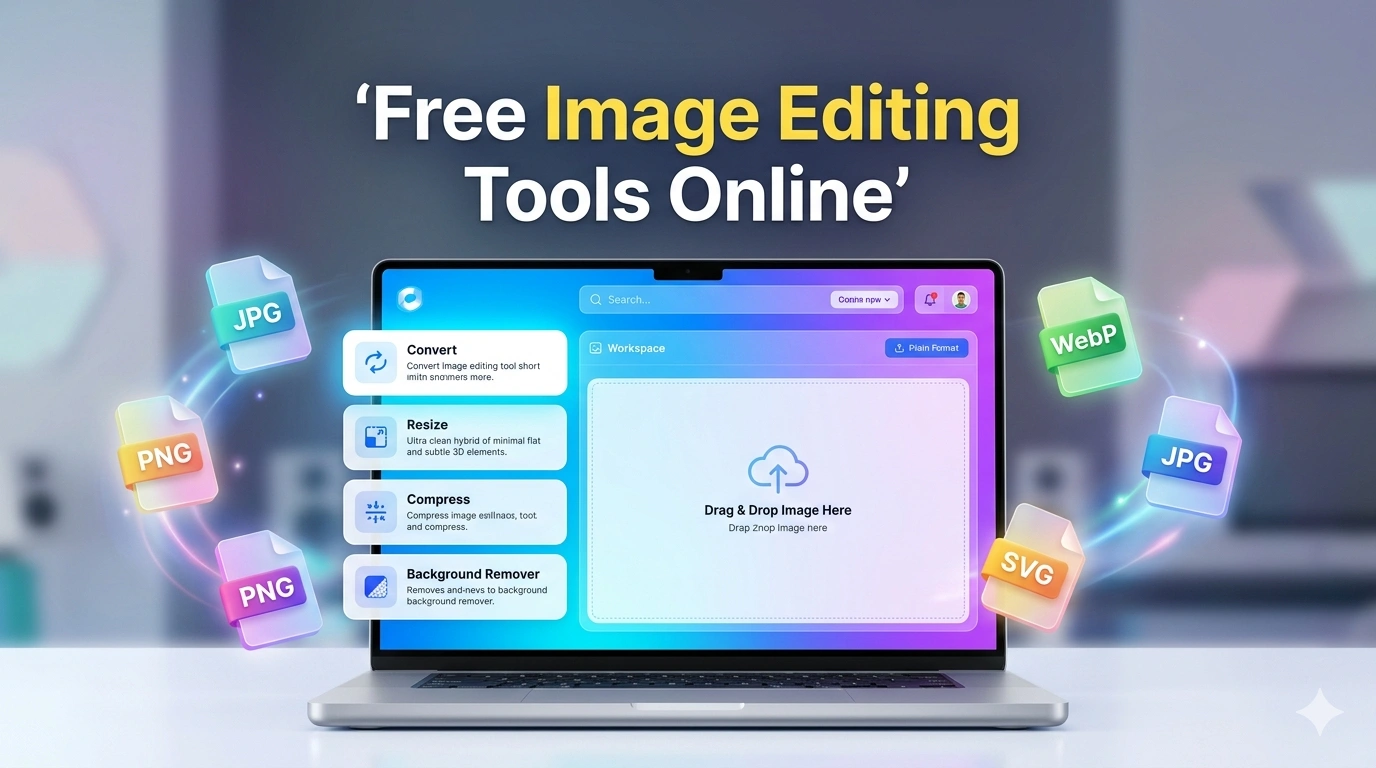
🖼️ Free Image Editing Tools Online
Convert, Compress, Resize, Crop, Edit and Enhance Images Online. Click any tool card below and instantly jump to that tool section. Every tool includes a quick guide, preview area and download option.
🚀 All Image Tools
🔄 Image Converter Tools
JPG to PNG
Convert JPG images into PNG format.
PNG to JPG
Convert PNG images into JPG format.
WebP to JPG
Convert WebP images into JPG format.
JPG to WebP
Convert JPG images into WebP format.
PNG to WebP
Convert PNG images into WebP format.
WebP to PNG
Convert WebP images into PNG format.
GIF to JPG
Convert GIF images into JPG format.
SVG to PNG
Convert SVG files into PNG images.
AVIF to JPG
Convert AVIF images into JPG format.
📏 Resize & Compress Tools
Image Resizer
Resize image dimensions easily.
Bulk Image Resizer
Resize multiple images together.
Image Compressor
Reduce image file size online.
JPG Compressor
Compress JPG files quickly.
PNG Compressor
Compress PNG images.
WebP Compressor
Compress WebP files.
Image Quality Reducer
Lower image quality and size.
🎨 Image Editing Tools
JPG to PNG Converter
Convert JPG images into high-quality PNG format.
Quick Guide
1. Upload JPG image.
2. Click Convert.
3. Preview generated PNG.
4. Download PNG file.
PNG to JPG Converter
Convert PNG images into JPG format.
Quick Guide
1. Upload PNG image.
2. Click Convert.
3. Preview JPG result.
4. Download converted file.
WebP to JPG Converter
Convert WebP images into JPG format.
Quick Guide
Upload WebP → Convert → Preview → Download JPG.
JPG to WebP Converter
Convert JPG images into WebP format.
Quick Guide
Upload JPG image and convert it to WebP format.
PNG to WebP Converter
Convert PNG images into WebP format.
Quick Guide
Upload PNG → Convert → Download WebP image.
WebP to PNG Converter
Convert WebP images into PNG format.
Quick Guide
1. Upload WebP image.
2. Click Convert.
3. Preview PNG result.
4. Download converted file.
GIF to JPG Converter
Convert GIF images into JPG format.
Quick Guide
Upload GIF image and convert it into JPG format instantly.
SVG to PNG Converter
Convert SVG vector files into PNG images.
Quick Guide
1. Upload SVG file.
2. Click Convert.
3. Preview PNG image.
4. Download PNG.
AVIF to JPG Converter
Convert AVIF images into JPG format.
Quick Guide
Upload AVIF image, click Convert, then download JPG.
Image Resizer
Resize any image by entering custom width and height.
Quick Guide
1. Upload image.
2. Enter width and height in pixels.
3. Click Resize Image.
4. Preview result and download.
Bulk Image Resizer
Resize multiple images with the same dimensions.
Quick Guide
1. Select multiple images.
2. Enter width and height.
3. Click Resize All Images.
4. Download each resized image separately.
Image Compressor
Compress any image by adjusting quality level.
80%
Quick Guide
Upload image → Select quality → Compress → Download.
JPG Compressor
Reduce JPG image size while maintaining quality.
75%
Quick Guide
Upload JPG → Select quality → Compress → Download.
PNG Compressor
Optimize PNG image size.
75%
Quick Guide
Upload PNG → Compress → Download optimized image.
WebP Compressor
Reduce WebP image size.
75%
Quick Guide
Upload WebP → Compress → Download.
Image Quality Reducer
Lower image quality to achieve smaller file size.
50%
Quick Guide
Upload image → Select quality level → Download optimized file.
Circle Crop Tool
Create perfect circular images for profile use.
Quick Guide
Upload → Load → Apply Circle Crop → Download
Rotate Image Tool
Rotate image 90 degrees per click.
Flip Image Tool
Flip image horizontally or vertically.
Blur Image Tool
Apply blur effect to images.
Quick Guide
Upload → Load → Blur → Download
Brightness Adjuster
Adjust brightness of your image.
100%
Quick Guide
Upload → Load → Adjust → Download
Background Remover
Simple background remover (white color detection based).
Quick Guide
Upload → Load → Remove Background → Download
Background Changer
Change background to solid color.
Transparent Background Maker
Make background transparent (simple threshold method).
Blur Background Tool
Applies blur effect to full image background (basic version).
Complete Online Image Tools Hub – Convert, Resize, Compress & Edit Images Free
In today’s digital world, everyone needs fast and easy image editing tools online. Whether you are a blogger, designer, student, or social media user, you often need to convert images, compress files, or edit pictures without installing heavy software.
This Complete Image Tools Hub is a free online solution where you can:
- Convert images between formats (JPG, PNG, WebP, GIF, SVG, AVIF)
- Resize images in seconds
- Compress images for fast loading websites
- Edit images with crop, rotate, blur, sharpen tools
- Remove or change background easily
Everything works directly in your browser – no installation needed.
This tool is built for:
- Bloggers & website owners
- Graphic designers
- Social media creators
- Students & freelancers
🔄 Image Converter Tools (JPG, PNG, WebP, AVIF, SVG)
Image format conversion is one of the most searched needs on Google. Our tool supports all major formats.
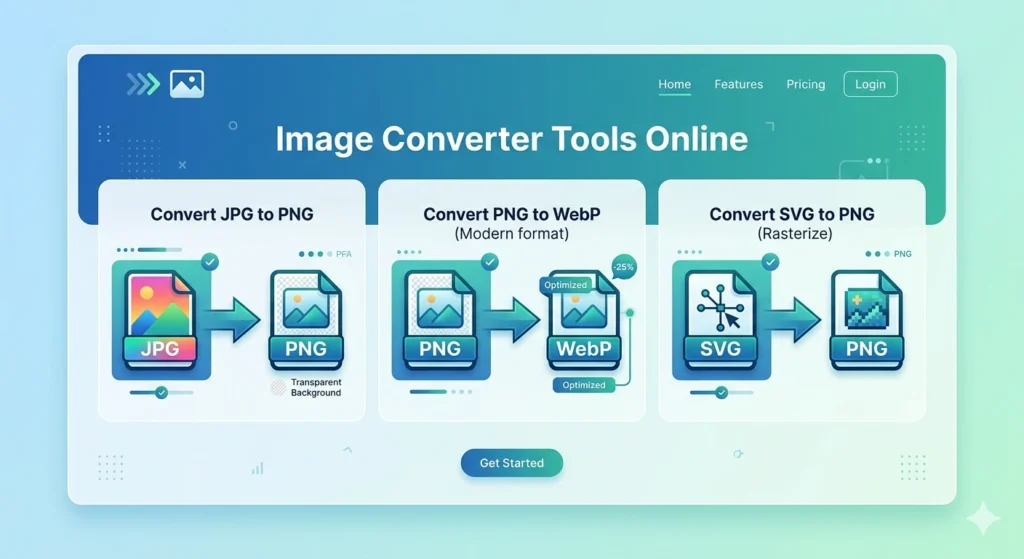
✔ JPG to PNG Converter
Convert JPG images into PNG format with transparent support.
How to use:
- Upload JPG image
- Click “Convert” button
- Preview image
- Download PNG file
👉 Best for logos and transparent editing
✔ PNG to JPG Converter
Convert PNG images into lightweight JPG format.
How to use:
- Upload PNG image
- Click convert
- Download optimized JPG
👉 Best for reducing image size
✔ WebP to JPG / PNG Converter
WebP is modern format used for fast websites. This tool helps you convert it easily.
Steps:
- Upload WebP image
- Select format (JPG or PNG)
- Download converted file
👉 Best for WordPress and Blogger users
✔ JPG to WebP Converter
WebP format helps improve website speed and SEO ranking.
Use it when:
- You want faster loading pages
- You need Google PageSpeed improvement
✔ SVG to PNG Converter
Convert vector SVG files into high-quality PNG images.
👉 Best for icons and logos
✔ AVIF to JPG Converter
AVIF is advanced image format but not supported everywhere. Convert it easily into JPG.
📏 Image Resize Tools (SEO & Web Optimization)
Image size affects website speed and Google ranking.
✔ Image Resizer Tool
Resize images to custom width and height.
How it works:
- Upload image
- Enter width & height
- Click resize
- Download result
👉 Best for website banners & thumbnails
✔ Bulk Image Resizer
Resize multiple images at once.
👉 Best for photographers and eCommerce sellers
📦 Image Compression Tools (Boost SEO Ranking)
Google prefers fast websites. Image compression helps reduce loading time.
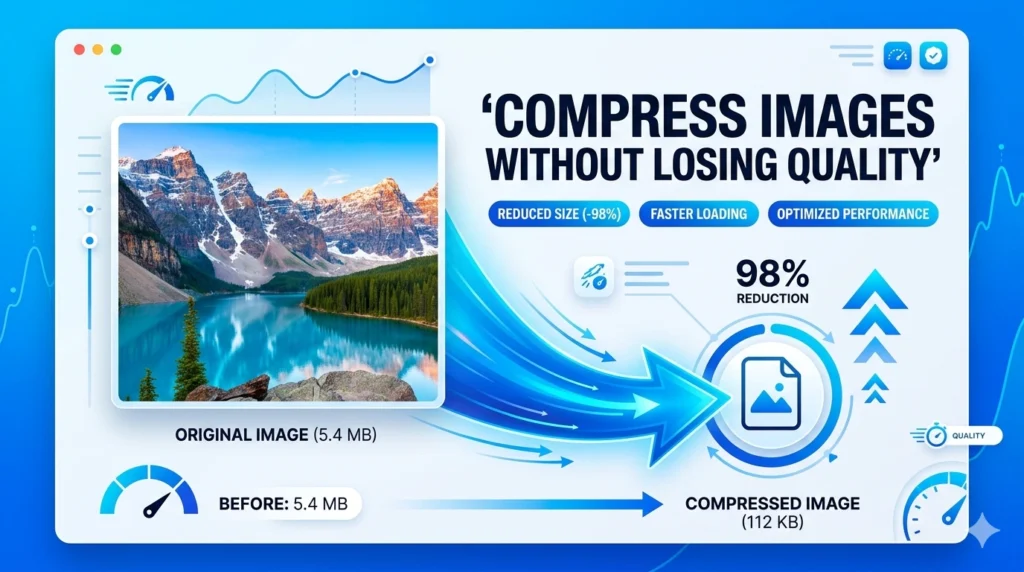
✔ Image Compressor
Reduce image size without losing quality.
Steps:
- Upload image
- Select quality (1–100%)
- Click compress
- Download optimized image
✔ JPG / PNG / WebP Compressor
Each format has separate optimization engine:
- JPG Compressor → reduces photo size
- PNG Compressor → keeps transparency
- WebP Compressor → best for SEO websites
✔ Image Quality Reducer
Lower image quality to reduce file size for faster website speed.
👉 Best for blog images & ads
🎨 Image Editing Tools (Professional Level)
These tools help you edit images without Photoshop.
✔ Circle Crop Tool
Create round profile pictures.
Use case:
- Facebook profile
- Instagram DP
- Website avatars
✔ Rotate Image Tool
Rotate images 90° or custom direction.
✔ Flip Image Tool
Flip images horizontally or vertically.
✔ Image Sharpen Tool
Improve blurry images and enhance clarity.
✔ Blur Image Tool
Add blur effect for background or privacy.
✔ Brightness Adjuster
Increase or decrease image brightness easily.
✨ Background Editing Tools (AI Style Features)
These tools are highly searched on Google and help in professional editing.
✔ Background Remover Tool
Remove image background with one click.
👉 Best for:
- Product images
- Passport photos
- Logos
✔ Background Changer Tool
Replace image background with solid color.
✔ Transparent Background Maker
Make images fully transparent for design use.
✔ Blur Background Tool
Blur background while keeping main image focus.
Final Words
This Complete Image Tools Hub is a powerful all-in-one solution for image editing, conversion, compression, and optimization.
It is designed for:
- Beginners
- Professionals
- Bloggers
- Website owners
You don’t need Photoshop or paid software anymore. Everything is available online for free.
🔥 Frequently Asked Questions (FAQs)
❓ 1. Are these image editing tools free to use?
Yes, all image editing tools on this website are completely free. You do not need any subscription or payment.
❓ 2. Do I need to install any software?
No installation is required. All tools work directly in your browser on mobile, tablet, or desktop.
❓ 3. Can I convert JPG to PNG or WebP?
Yes, you can easily convert images like JPG, PNG, WebP, SVG, and AVIF into different formats.
❓ 4. Is my uploaded image safe?
Yes, your images are processed directly in your browser. We do not store your files on any server.
❓ 5. Can I use this tool on mobile?
Yes, the entire website is fully mobile-friendly and works on all devices.
❓ 6. Does image compression reduce quality?
You can choose quality level. Higher quality keeps image clear, lower quality reduces file size.